When developing a complex database application, it is sometimes difficult to keep track of all that is happening regarding database activity. For this purpose, a database monitoring application called dbMonitor was created, which can help trace DB events, locate issues, errors, and similar problems. It also has a very low performance footprint on the application that it monitors.
Installation and setup
Installation is pretty straightforward, but there is one additional step before you can start the monitoring process. You have to drop a specific component onto the application's form, typically within your development IDE like Visual Studio or Delphi, and activate it. Also, dbMonitor has to be run prior to the application being monitored. Applications can be monitored at design-time as well.Supported components and interface
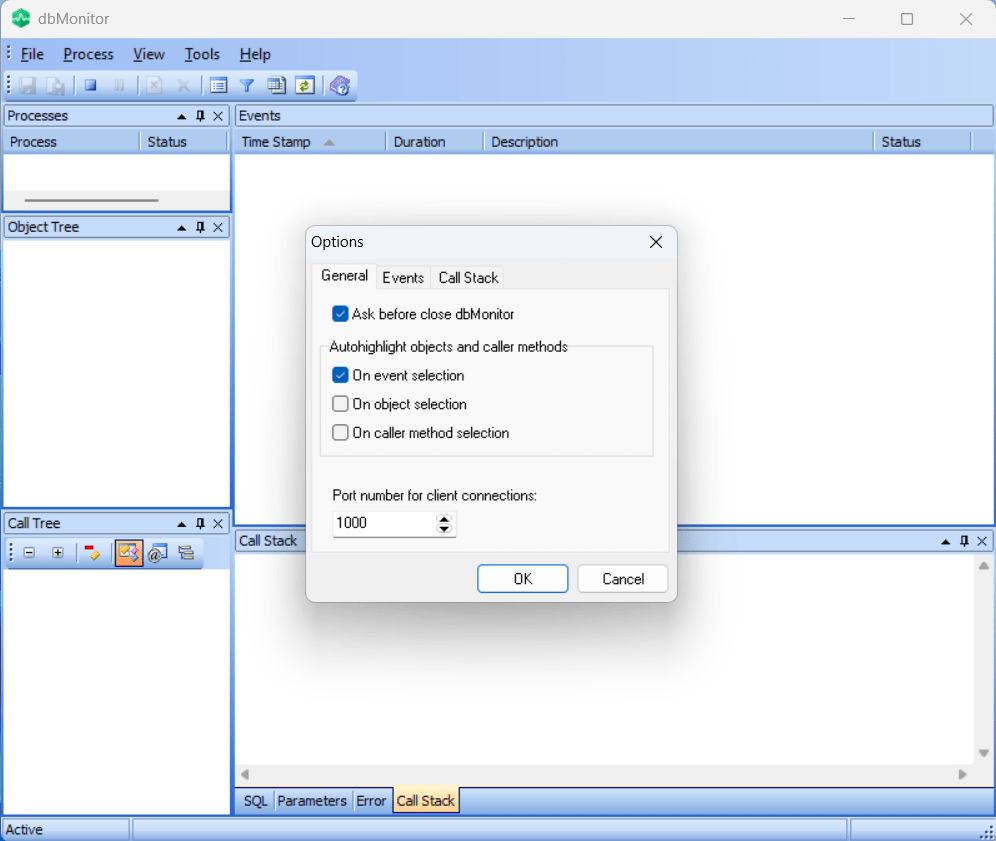
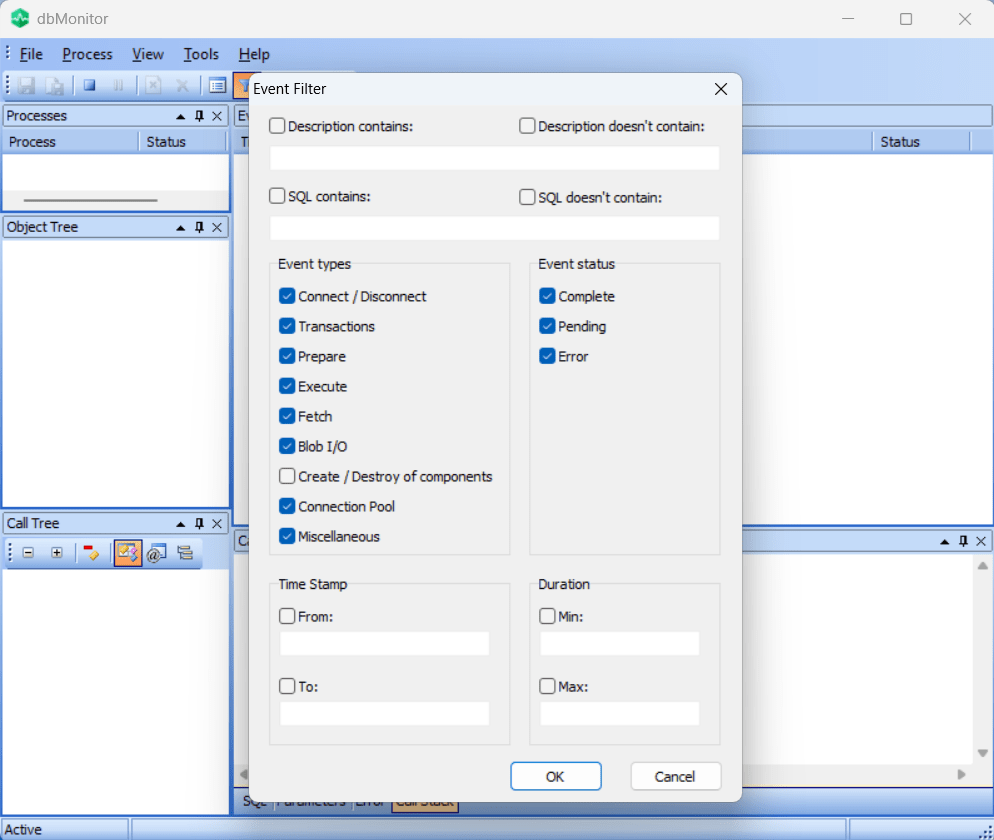
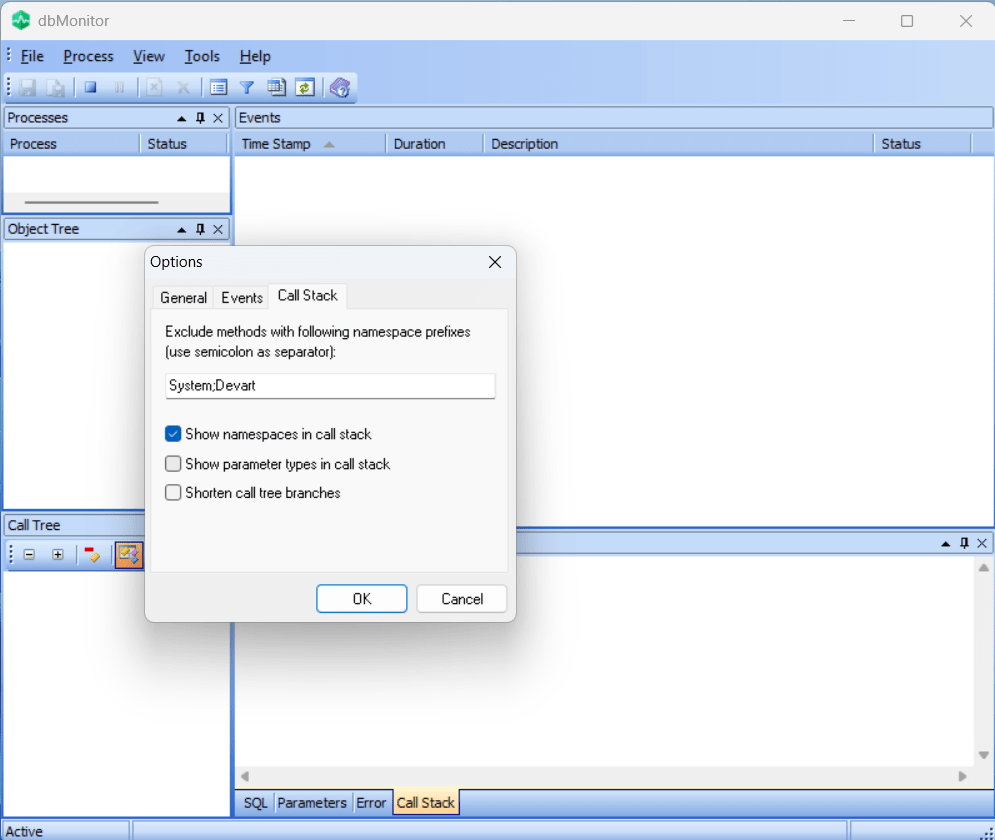
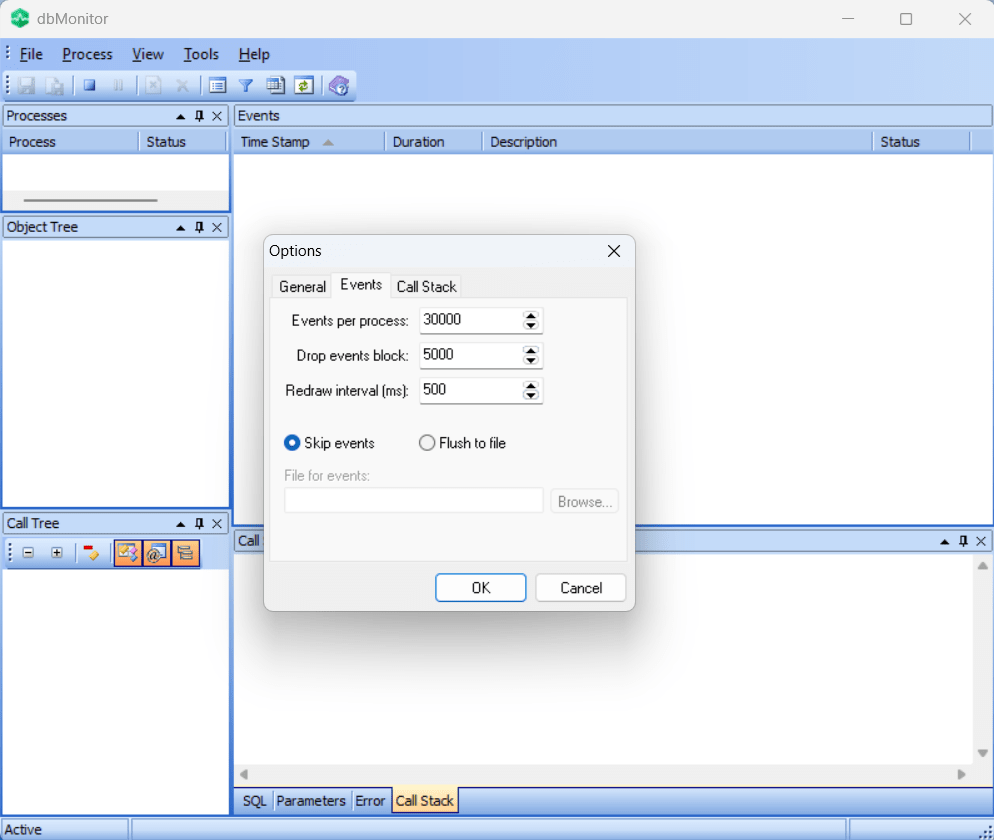
dbMonitor can be used to monitor events for a variety of components. It can monitor ADO.NET data providers, Delphi Data Access Components (DAC), and dbExpress drivers. The application has an intuitive interface, with monitoring windows being arranged within the main window. These windows show DB events, processes, and similar data, and can be organized arbitrarily. Events can also be filtered and sorted as per your needs.Real-time logging and compatibility
All in all, dbMonitor is a useful application for anyone who wants to monitor local or remote DB applications. Database data is accumulated in real time and can be saved to a log file. If you should run into any trouble, extensive help with all the instructions is available from within the application. Also, check compatibility, as not all versions of the application can be used to track all components.